
Sidevoice

For AI agents

Less reading.
More thinking.

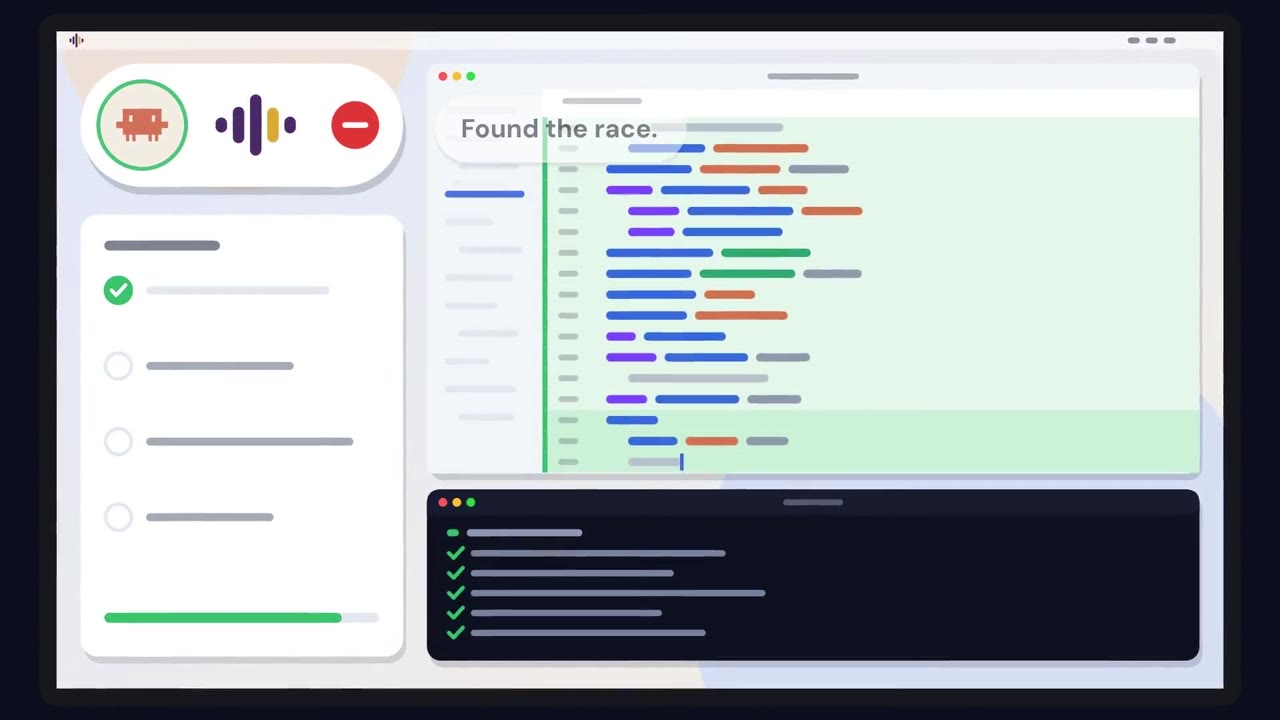
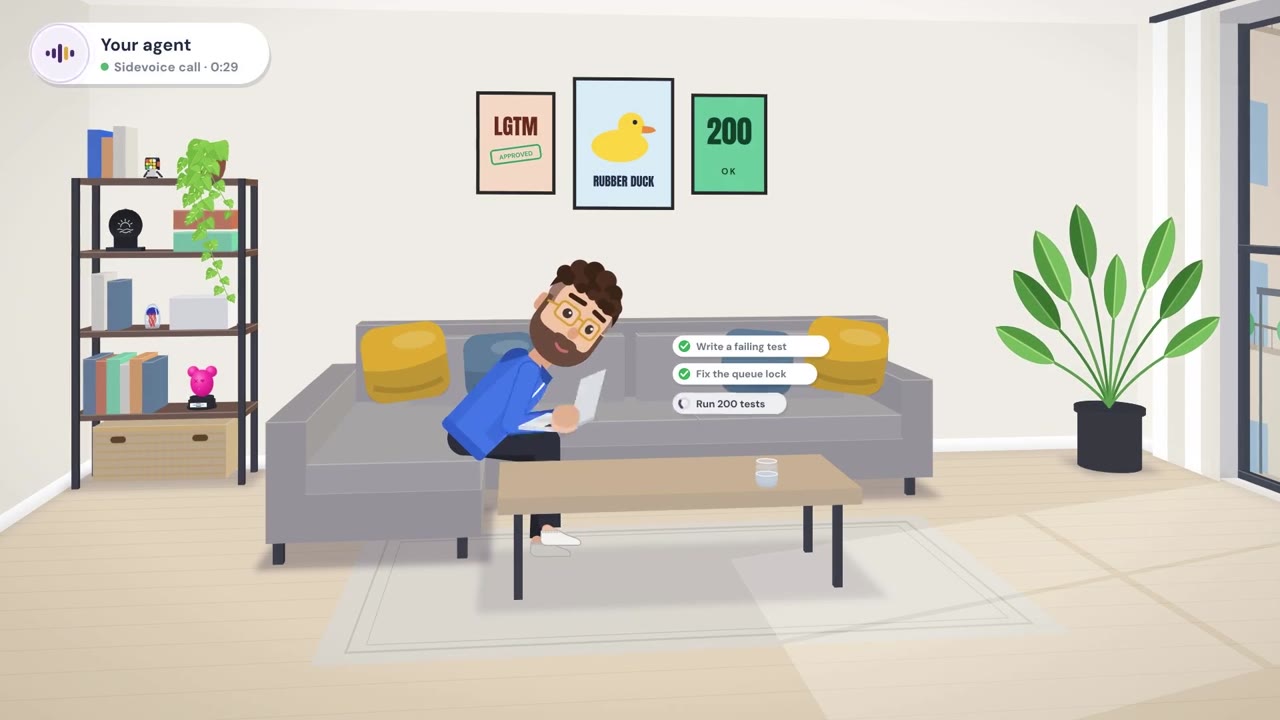
Your agent keeps its detailed work in writing. In a call, it explains what matters in a natural voice. Ask, interrupt and clarify without losing the thread.

SidevoiceGive your agent a voice.
Watch film 1:31

Give your agent a voice.

Keep the agent and session you already use. Any MCP-compatible agent can speak through Sidevoice.

  • Claude Code
  • Codex
  • Cursor
  • Gemini CLI
  • GitHub Copilot CLI
  • Cline
  • OpenCode
  • Any other MCP agent

Hear its explanation. Talk back with agents that can receive your words.

Agent compatibility

Swipe to compare all four features →

Voice features through Sidevoice
AgentAgent speaksYou speak backStop the audio you are hearing. The agent keeps working on its task; interrupting the audio does not change its instructions.Redirect or stop the agent's task while it is working. Your spoken instructions can change what the agent does next.
Claude CodeYesYesYesYes
CodexYesYesYesNo
CursorYesYes*YesNo
Gemini CLIYesNoYesNo
GitHub Copilot CLIYesNoYesNo
ClineYesNoYesNo
OpenCodeYesNoYesNo
Any other MCP agentYesNoYesNo

* To speak back to Cursor through Sidevoice, enable Cursor's beta features.

A voice that works your way

Written + spoken

Hear what matters.

Your agent explains the points that matter while its complete written response stays on the page. Follow the explanation at your own pace, then return to the detail or ask for more.

Terminal

Summarise the urban shade plan for Thursday’s council meeting.

  • Read docs/shade-plan.md
  • Read data/heat-by-block.csv
  • Compared tree cover and heat for 38 blocks

Main point A citywide shade plan should start with the blocks where heat is highest and tree cover is lowest. Shade supports comfort and safety on everyday routes, while mature trees often provide benefits that young plantings take years to reach.

What to prioritize Protect existing mature trees first. Focus new planting on walking routes to transit, schools and clinics, choosing sites with enough soil, root space and water to support healthy growth.

How to measure it Compare canopy maps, local heat measurements and tree survival records to see whether shade reaches the neighborhoods that need it most. Keep forecasts distinct from observed results.

Practical next step Map the hottest, least-shaded routes, then review each candidate site with local maintenance teams before setting planting targets.

Long-term success Count the shade that lasts: track tree survival and access to cooler routes over time, and adjust care where young trees struggle.

Here’s the key idea: shade is public health infrastructure. Start with the hottest streets that have the least tree cover.

Your level of detail

Conversation, your way.

A quick take before a meeting. A thorough walkthrough when you have time. Tell your agent how much detail you want.

Your agent: Open with the customer problem, show the strongest result, and ask to expand the pilot to two teams.

Hear it. Cut in.

Talk it through.

Interrupt to stop the voice and make room for your question. Steer to change what your agent is working on while it works. The conversation keeps its context.

Your agent, speaking: The recommendation is to expand the pilot, with a review after the next quarter. Interrupted
You: Hold on a second.
Your agent, listening: Of course. What would you like to ask?

Every part is your choice

Choose where speech is processed.

Choose local models or cloud providers for transcription and voice. Your agent keeps its own model settings. Compare the options at each stage.

* The local models you can use depend on your device’s hardware.

Transcription modelSTT
Local + more
WhisperQwen3-ASRParakeetNemotronVoxtral+ more
Cloud + more
OpenAIDeepgramGoogleAzureAssemblyAI+ more
Your agentLLM
Local + more
LlamaQwenGemmaMistralDeepSeek+ more
Cloud + more
ClaudeGPTGeminiGrokDeepSeek+ more
Speech modelTTS
Local + more
KokoroQwen3-TTSChatterboxPocket TTSCosyVoice+ more
Cloud + more
ElevenLabsDeepgramOpenAIGoogleAzure+ more

One call at a time

Each conversation has its own creature.

It shows what your agent is up to: working, thinking, or passing the time until you’re back. Switch between connected conversations whenever you like; each keeps its own context.

The little things in a good call

A conversation that gives you room.

Small controls help Sidevoice follow your pace and keep the call comfortable.

Fewer false starts

While your agent speaks, a speech check helps keep short noises from becoming a new message.

A quiet sign of progress

An optional soft tone can let you know the agent is still working between spoken turns.

Listen again

Missed something? Play any reply again from the transcript.

Captions as it speaks

Follow the reply on screen, word by word, when you can’t listen closely.

Beyond the call

Built for how you work.

Your agent, on whichever machine you like.

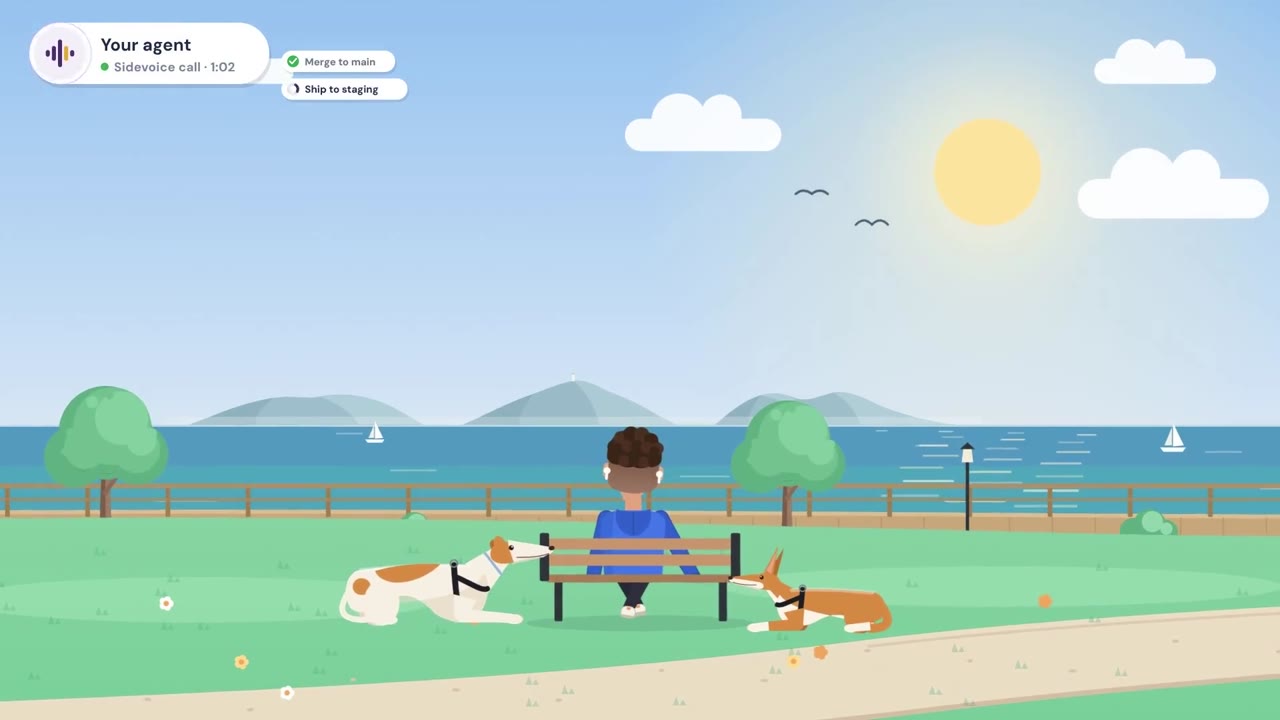
Voice modes usually need the agent running on the computer in front of you. With Sidevoice it can work on a server, your desktop at home or a cloud machine, while you talk to it from whatever device is at hand.

Keep your music on.

While you talk and while your agent speaks, Sidevoice lowers or pauses music in supported players, then puts it back as it was.

Come back without a backlog

If you step away or lose the connection, it doesn’t read you ten old messages when you’re back: your agent tells you what matters now.

A voice for each language

Choose voices by language and set the speaking speed for the speech model you use.

Type when you can’t talk

Send a written message in the same call. It waits until your agent can take it.

Desktop and mobile

From your desk or from your phone.

Sidevoice has a desktop app and a mobile app. Start a conversation at your computer and pick it up on your phone when you step away from your desk: your agent keeps working, and the conversation goes with you.

How it works

A simple path from your session to a voice conversation.

  1. Get Sidevoice

    Download and open Sidevoice on the device you want to talk from.

    Download SidevoiceComing soon*

    Stable app downloads are not available yet.

    Other devices and builds
  2. Prepare the computer

    From the Sidevoice app.

    In the app, choose Prepare this computer.

  3. Talk

    Ask your agent to join the Sidevoice call.

    Connect this conversation to Sidevoice.

Two ways to connect

Direct connection

Free

Get Started
  • Desktop and mobile apps
  • Agent connector and voice pipeline included
  • Connect your devices directly
  • Local voice models or your own providers
  • Open source · Apache-2.0
  • Free forever

Coming soon

Remote Access

€5/month Billed yearly

Check waitlist status

Remote Access is not available yet.

  • Find your devices wherever you are
  • Direct device-to-device connections when possible
  • A direct connection between your devices, end-to-end encrypted
  • Cancel renewal anytime

Remote Access · waitlist unavailable

Connect from anywhere.

Reach your agent beyond your network without handling connection setup. Remote Access will connect your devices directly, wherever they are. Waitlist sign-ups are unavailable.

Your agent keeps working. You stay in the conversation.

Hear when Remote Access launches.

Help us shape Remote Access (optional)
Where would Remote Access be useful to you? (optional)

Select all that apply.

Which agents would you use with Sidevoice? (optional)

Waitlist sign-ups are unavailable right now. Please check back here for updates.

We'll send one launch announcement. Unsubscribe anytime.

Questions

Is Sidevoice free?

Yes. The desktop and mobile apps, connector and voice pipeline are open source under the Apache-2.0 licence. Connecting your devices directly is free. Remote Access adds calling beyond your network without handling connection setup yourself; check waitlist status.

How is this different from the voice features agents already have?

Keep your agent, its model and your existing conversation, while choosing transcription and speech separately from Sidevoice’s supported local models and cloud providers. For supported agents, you can add voice without waiting for a built-in voice mode. Choose a voice and speaking speed, adjust how long it waits for you to finish, and ask for a quick summary or a detailed explanation.

Why use this instead of dictation?

Dictation turns your speech into a written prompt. Sidevoice lets you listen to an explanation of a long reply instead of reading it all, then interrupt and ask a follow-up aloud in the same conversation. Ask for the short version or explore one point in more detail; the full written response stays available when you want to check it.

Does Sidevoice use extra agent tokens?

Yes, about 2 % more tokens in heavy-use sessions. That is the voice tool instructions, tool calls and spoken explanations added to your agent’s conversation.

Which agents does it work with?

Any MCP-compatible agent can speak through Sidevoice. Spoken follow-ups and steering depend on its input connection. See the agent compatibility table for each feature.

Does my audio leave my machine?

You choose where speech is processed: on your machine or device, or with a provider you pick using your own key. A call goes straight to your machine. Remote Access uses end-to-end encryption, so only your devices can read the conversation in transit.

Can Sidevoice's servers read my conversations?

No. Our servers cannot read your call content by design. The Sidevoice app and connector process calls on your devices, and your devices connect directly to each other. Cloud speech providers you choose receive the audio or text needed for speech, and your agent handles what you send under its own terms. Read our privacy note.

Do I have to read the agent’s response?

You can work by listening and speaking without reading. Your agent’s full written response remains available whenever you want the detail. Use it when checking exact code, diffs or test results.

Which devices can I use?

Sidevoice is available as desktop and mobile apps. Use the app on your computer or phone to talk with your agent.

What will Remote Access add?

Reach your agent beyond your network without handling connection setup. Remote Access connects your devices directly, end-to-end encrypted. Direct connections remain free. Check waitlist status.